
Try Oppi Wallet, Smart Trust Wallet Alternative
Oppi Wallet holds and spends crypto in one self-custody app. Trust Wallet supports more blockchains, but spending with a card means connecting a separate service like Oobit or MoonPay. See the full comparison below, and a four-step guide to switch easily to Oppi Wallet.


Curious about wallet security history? Read our full Oppi Wallet vs Trust Wallet comparison on the blog.
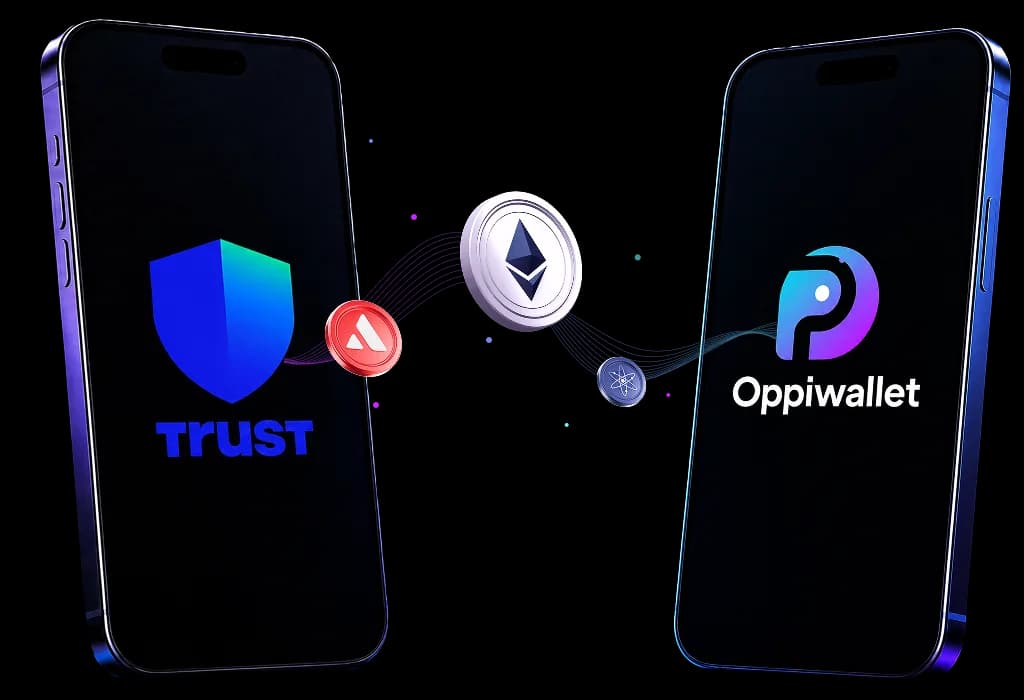
Oppi Wallet vs Trust Wallet Comparison
Oppi Wallet spends directly from the app you already hold your crypto in. Trust Wallet covers more chains, but has no card of its own.
| Feature | Oppi Wallet | Trust Wallet |
|---|---|---|
| Wallet type | Self-custody, multi-chain wallet with a built-in spending card | Self-custody, multi-chain Web3 wallet, no card of its own |
| Spending card | Yes, virtual and physical, both Visa | None, requires a separate third-party card provider |
| Daily spending limit | $100,000/day standard | Not applicable, no card |
| Merchant acceptance | 150M+ merchants via Visa | Not applicable, no card |
| KYC required | Not for the wallet, ID + selfie for using crypto card | Not required for the wallet |
| Supported countries | Wallet is global, card works in 200+ countries | Wallet is global, no card to compare |
| Supported chains | Ethereum, BSC, Polygon, TRON, Solana (5) | 100+ blockchains |
| Supported cryptocurrencies | 40+ Famous and Most Used Crypto, curated for everyday spending | 10M+ assets across 100+ chains |
| Swap fee | Real-time rate shown before confirming | ~0.7 to 0.875% in-app |
| FX fee | 2 to 2.5% on non-USD spend | Not applicable, no card |
| Pricing | Free Wallet, Card: $10 registration, $5 refunded on activation (net $5), no monthly fee | Free wallet, no card fees since no card exists |
| Supported platforms | iOS, Android, browser extension | |
| Use cases | Everyday spending, travel bookings, self-custody with a built-in card | Multi-chain storage, DeFi, dApps, NFT activity |
Wallet type
Self-custody, multi-chain Web3 wallet, no card of its own
Spending card
None, requires a separate third-party card provider
Daily spending limit
Not applicable, no card
Merchant acceptance
Not applicable, no card
KYC required
Not required for the wallet
Supported countries
Wallet is global, no card to compare
Supported chains
100+ blockchains
Supported cryptocurrencies
10M+ assets across 100+ chains
Swap fee
~0.7 to 0.875% in-app
FX fee
Not applicable, no card
Pricing
Free wallet, no card fees since no card exists
Use cases
Multi-chain storage, DeFi, dApps, NFT activity
Why Choose Oppi Wallet Over Trust Wallet

Spend Crypto With a Virtual Card
Trust Wallet has no card of its own. Oppi gives you a virtual card directly in the app, so you can spend your crypto everyday and make crypto payments simple and convenient.
One App, Not a Third-Party Card Service
Trust Wallet users typically need to connect to a separate provider like Oobit or MoonPay just to spend. Oppi's card spends directly from the same wallet where you already hold your crypto.

Built to Spend in More Places
Oppi Wallet's card works at 150M+ merchants across 210+ countries, with Apple Pay and Google Pay, no extra app required.

Transparent Swap Pricing
Oppi Wallet shows real-time swap rates before you confirm a transaction, so you can review the swap rate before completing your transaction.
How to switch from Trust Wallet to Oppi Wallet
Step 1: Download Oppi Wallet
Free on the App Store or Google Play. Create your own wallet in minutes.
Step 2: Import Your Wallet
Already have a Trust Wallet? Import it into Oppi Wallet using your existing seed phrase.
Step 3: Start Using Oppi Wallet
Your crypto is ready to use. Send, receive, swap, and manage easily from one wallet.
Step 4: Activate Your Crypto Card
Activate your virtual crypto card and start using your crypto for fast payments.
Your All-in-One Self-Custody Crypto Wallet
Frequently Asked Questions
Hold and spend crypto from one wallet
Stop connecting a third-party card service just to spend the crypto you already hold.